At some point, most hybrid workers look around their home office setup and think one of two things.
It’s either “why didn’t I do this sooner?” or “I spent how much on a standing desk I never use?”
The home office upgrade conversation has been happening for a few years now — and yet a lot of people still find themselves working from a kitchen table, hunched over a laptop, wondering why they feel exhausted by noon. Or on the opposite end, they’ve dropped thousands on gear that looked great in a YouTube setup tour but hasn’t actually improved their workday at all.
For many hybrid workers, who are splitting time between home and the office, it’s worth thinking about your home setup.
This guide isn’t about having the coolest desk. It’s about spending your time and money where it actually counts — so your home office works as hard as you do.
Start with the audit, not the Amazon cart
Before you buy anything, spend one week paying attention to what’s actually slowing you down. Not what a productivity influencer says should bother you — what’s genuinely getting in the way of your focus, your comfort or your ability to show up well on video calls.
Ask yourself:
- What physical discomfort do I notice most after a full day of work?
- Where do I lose time or focus because of my environment?
- What’s embarrassed me on a video call in the last month?
- Is there anything I dread about working from home specifically?
Your answers are your actual shopping list. Everything else is optional.
The things that are almost always worth it
A good chair. This is the hill worth dying on. If you’re spending six or more hours a day at a desk, a chair that supports your back and lets you sit without fidgeting is not a luxury — it’s a health investment. You don’t need to spend $1,400. You do need to sit in something before you buy it, or at minimum buy from somewhere with a return policy.
The telltale sign you need a better chair: your lower back or neck hurts by mid-afternoon, and it doesn’t happen when you work from a coffee shop or an office.
Reliable, fast internet. Not exciting. Completely essential. Nothing tanks your professional presence — or your patience — faster than a frozen video call or a dropped connection mid-presentation. If your router is more than five years old, that’s probably your highest-ROI upgrade. A mesh network system is worth considering if your home office is far from your router.
Pro tip: hardwire your computer to your router with an ethernet cable if you can. Wi-Fi has improved enormously, but a wired connection is still more stable for video-heavy workdays.
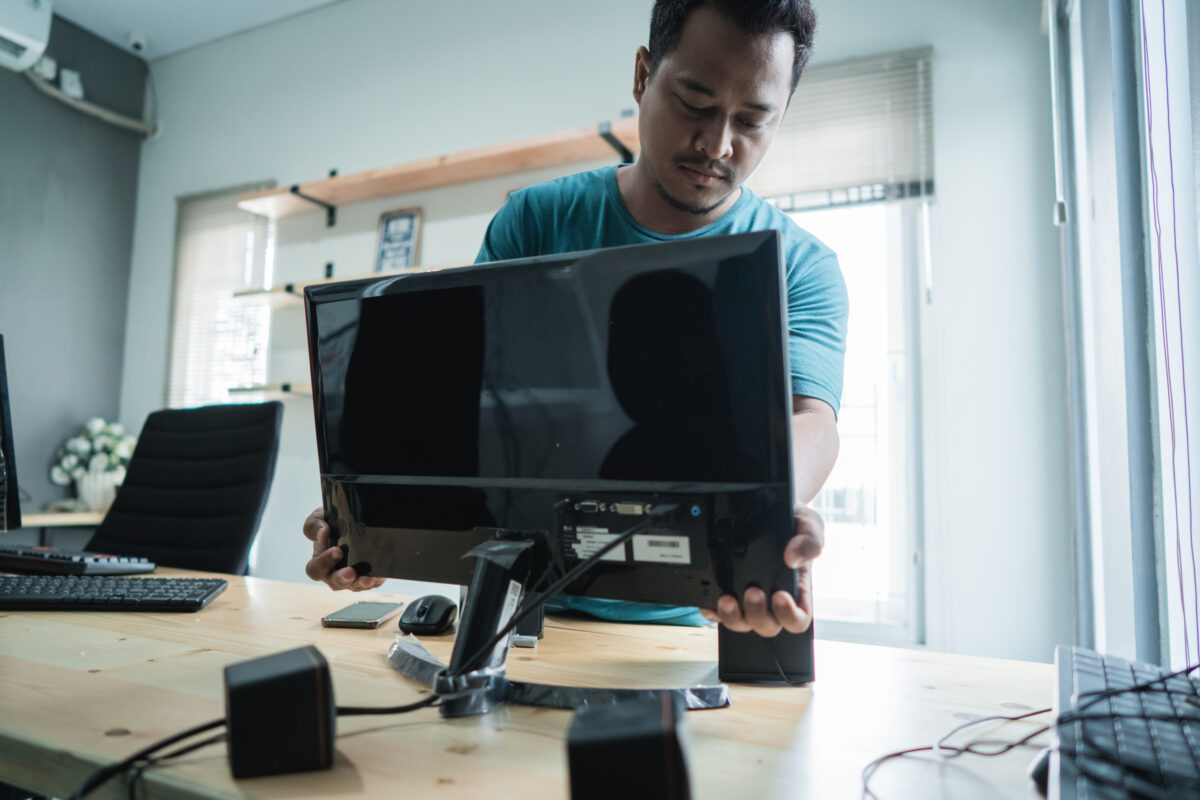
An external monitor (or two). Laptop screens are fine for commuting. For a full day of work, screen real estate matters. A single external monitor in the $200–$300 range can meaningfully reduce eye strain and the mental overhead of constantly switching between windows. You don’t need to go ultra-wide or dual 4K — just bigger than your laptop screen.
A monitor arm is a worthwhile add-on too. It takes up no desk space, and being able to adjust your eye level properly makes a bigger difference than most people expect.
A decent microphone or headset. Video quality is forgivable. Bad audio is not. If the people on your calls are straining to hear you, or you’re constantly battling background noise, a basic USB microphone or a good headset with noise cancellation is an easy fix. You don’t need a podcaster’s setup — just something that makes your voice clear and consistent.
This is especially true if you’re in leadership, sales, or any role where your voice carries a lot of your professional presence.
Good lighting. The built-in camera on most laptops is actually fine. Lighting is what makes it look bad. Natural light from a window in front of you (not behind you) is ideal. A simple ring light or a well-placed desk lamp pointing at your face makes a noticeable difference for video calls.
You don’t need Hollywood lighting. You need to not look like you’re in witness protection.
The things that depend on how you work
A standing desk. Worth it for some people; a glorified shelf for others. If you know you’ll actually use it — you like to stand during calls, or you’ve already built the habit with a converter — go for it. If you’re buying one hoping it will change your behavior, temper your expectations. The best standing desk is the one you’ll actually stand at.
Consider a desk converter first if you’re not sure. Cheaper, takes up less space, and you’ll find out quickly whether standing at work is something that fits your rhythm.
A second keyboard and mouse. If you’re docking a laptop and working from an external monitor, having a proper keyboard and mouse setup makes the workspace feel more intentional and ergonomic. A mechanical keyboard is a joy if you type a lot; a wireless combo works perfectly fine if you don’t. Skip the $200 keyboard if you’re not a power typist — you won’t feel the difference.
Noise management. This varies hugely by household. If you’re in a quiet space, you might not need anything. If you have kids, roommates, pets, or street noise, good over-ear noise-canceling headphones can be genuinely life-changing for focus. Earplugs and a white noise machine are a fraction of the cost and work surprisingly well for blocking background noise during deep work sessions.
The things that rarely justify the price tag
Every “ultimate home office setup” video on the internet is full of things that look great in a thumbnail but don’t move the needle on actual productivity. Here are a few worth being skeptical about:
- Expensive webcams. The gap between a $30 webcam and a $200 one is mostly theoretical in most meeting rooms. Lighting and internet quality matter far more.
- Elaborate cable management systems. A few velcro ties do 90% of what the fancy routing kits do.
- Smart lighting ecosystems. Fun? Yes. Worth the setup time and cost for a home office? Probably not.
- Desk accessories. The matching pen holder and monitor stand set looks nice. It doesn’t make you more productive.
One more thing: your setup is never done
The best home offices evolve. What works when you’re fully remote might need to shift when you’re coming in two days a week. What worked in your last home might not fit your current space.
The same is true for your commute.
As your schedule changes, and you lean into working from home sometimes and working from the office the other times, be sure to sign up for the ConnectingVA app through MidPenRideShare to track those miles you don’t spend driving to work to earn points and possibly win gift certificates.